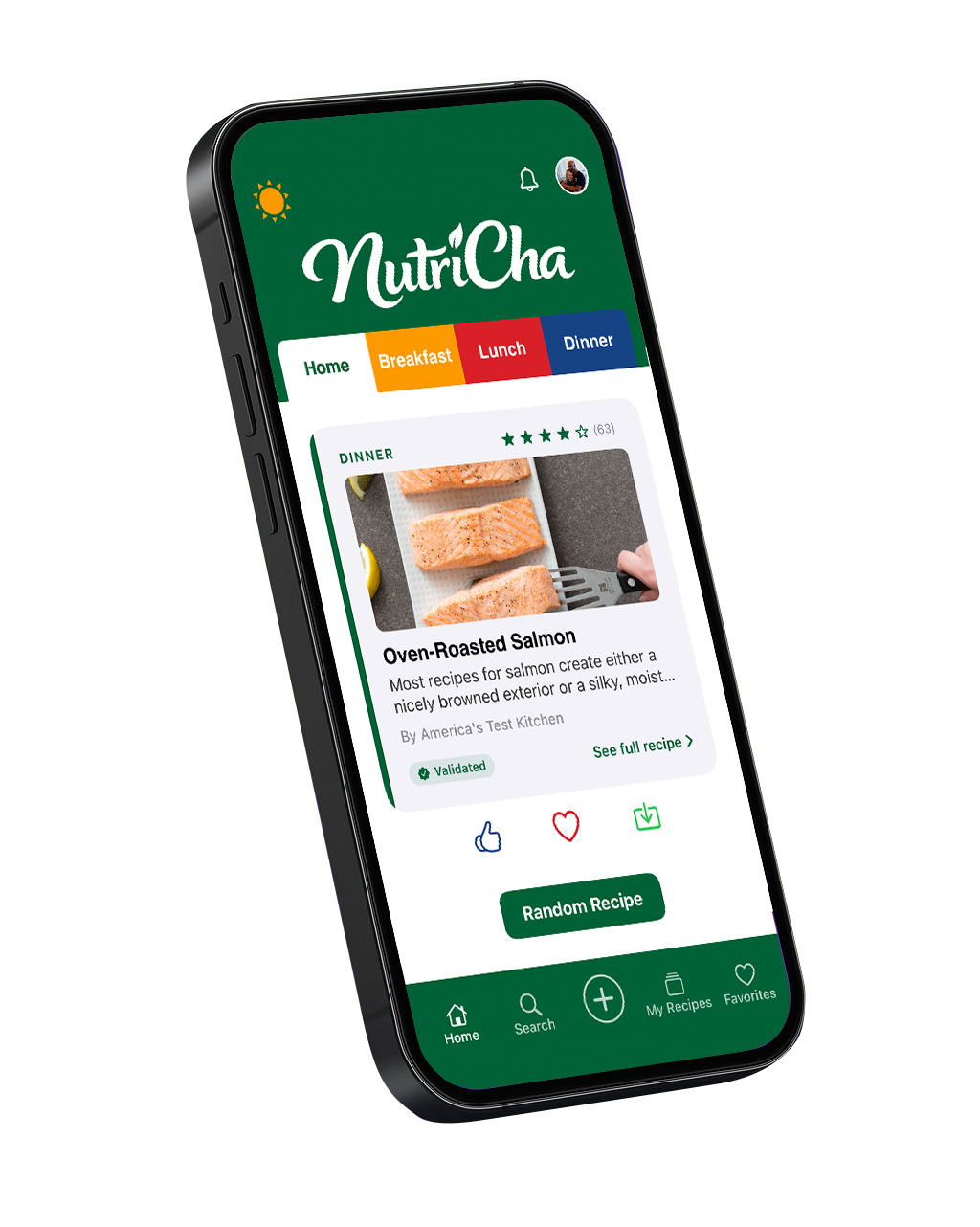
Free on iPhoneNutriCha helps you save recipes from the web, organize your favorites, discover new ideas, and share collections with the people you cook for.
NutriCha is more than a recipe saver. It's the place where your recipes live, stay organized, and are ready to share.
Paste a recipe link and NutriCha pulls in the details when available — so your favorite recipes are easier to keep and find later. No more losing recipes in bookmarks, screenshots, or browser tabs.
Build collections for weeknight dinners, family favorites, holiday baking, meal prep, or anything you love to cook. Your recipes, organized the way your kitchen actually works.
Browse recipes inside NutriCha and find ideas for breakfast, lunch, dinner, desserts, sides, and more. Filter by meal type, cook time, dietary preferences, and nutrition.
Create collections your family, friends, or cooking crew can view, save, and enjoy. Invite people by email and share recipes with the people you cook for.
NutriCha helps you plan the week, build the shopping list, and cook hands-free — then keeps everyone you cook with in sync.
Schedule meals by day, week, or month, auto-generate plans, and track your goals — a calendar built for real life.
Turn recipes into a smart, aisle-by-aisle shopping list, or build your own checklists — and share either with your household.
Cook hands-free with a full-screen, step-by-step view: big text, per-step ingredients, and built-in timers that keep the screen awake.
Get notified when someone joins a collection or adds to a shared list, so everyone you cook with stays on the same page.
From saving a recipe to sharing it with the people you cook for — in three easy steps.
Import from a recipe link, add your own recipe, or save something you discover inside NutriCha. URL import is just one way in — the app works however you find recipes.
Keep recipes organized by meal type, occasion, creator, family tradition, or personal cooking style. Collections are the heart of NutriCha.
Cook hands-free in Cook Mode, add ingredients to your grocery list, and share collections with the people you cook for — everyone cooks from the same list, together.
Turn scattered recipes into organized collections for the way you actually cook. Create collections for holidays, family favorites, healthy meals, quick dinners, creators, or anything else you want to keep together.
Paste a recipe link and NutriCha pulls in the details when available — including ingredients, steps, images, source information, and cooking times.
Works with thousands of recipe websites. Some websites may provide limited details. The original source link is always saved for reference.
Try it free →Whether you're saving a weeknight dinner, organizing family favorites, or building a collection for your cooking brand — NutriCha helps keep it all together.
Save recipes from your favorite websites and stop losing them in bookmarks, texts, and browser tabs.
Share a family recipe collection so everyone knows what's for dinner — even when you're cooking from different kitchens.
Organize recipes by day, week, or category so meal prep is faster and less stressful every week.
Build branded recipe collections and share them with your audience in a clean, organized format.
Tired of losing recipes in your camera roll? Save the link instead and keep everything searchable and organized.
NutriCha is being built with creators and family recipe collections in mind — making it easier to organize recipes around the people, brands, and traditions that matter. Whether you're building a personal collection or sharing your cooking with an audience, NutriCha gives your recipes a place to live.
NutriCha is built with your privacy and experience in mind.